 Download Perform VK Editor FULL Edition MacOS
 |
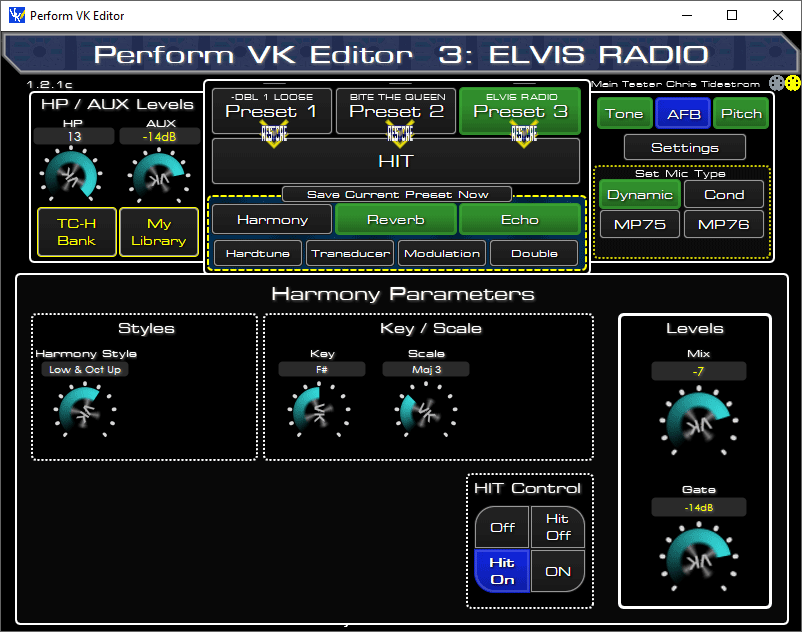
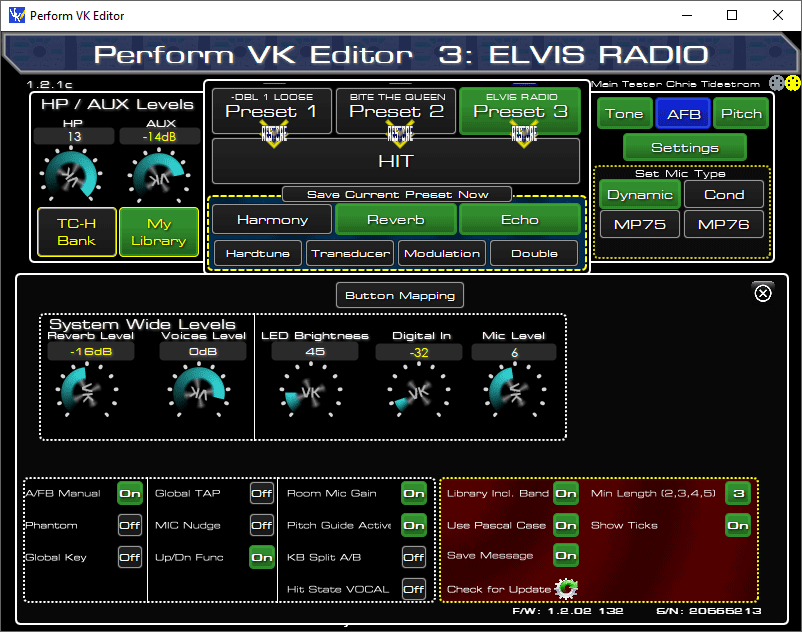
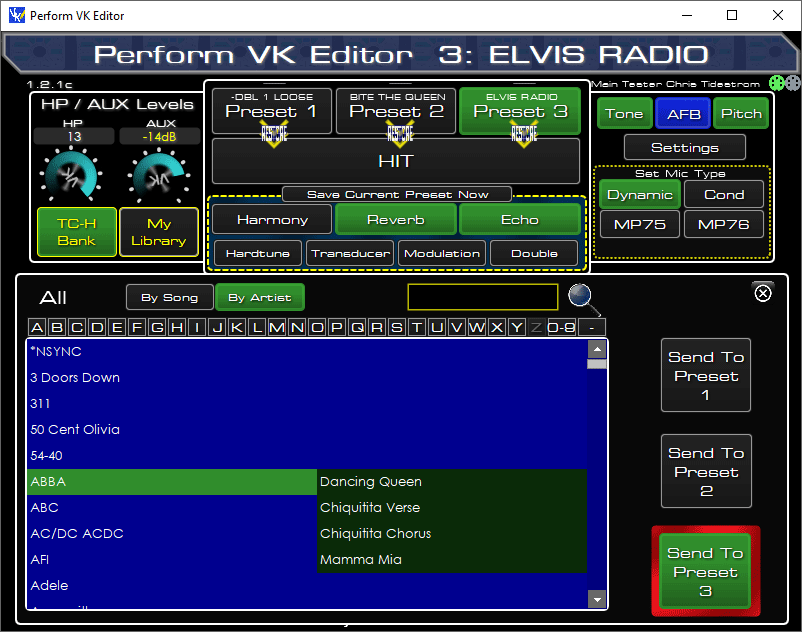
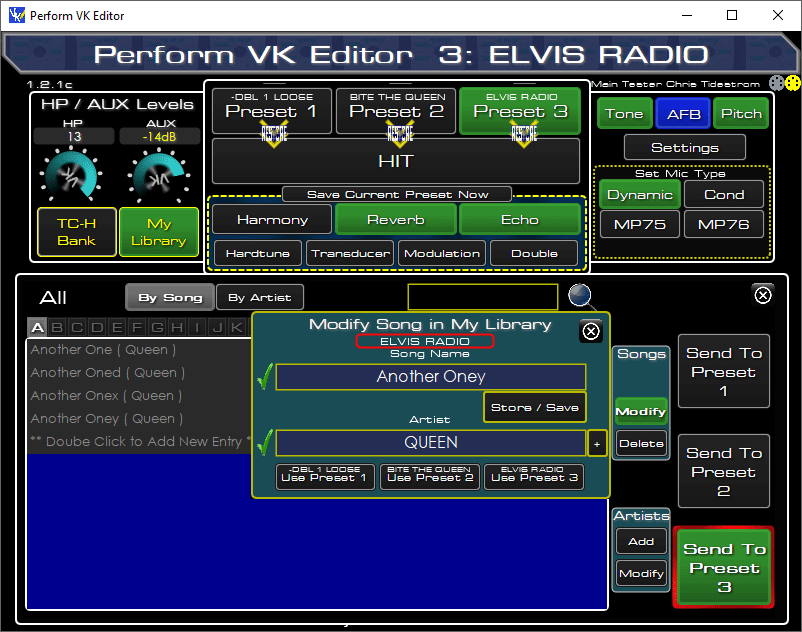
Firmware Version Supported Configure the Editors Settings Any Adjustments in the Editor are immediately Any adjustment you make on the Perform VK You can change presets on the All this and More for Just £15 Installation Instructions
1) Register on Site so you can download 6) When I receive the File and Payment Please note Avctivation Codes are generated manually,
▼ How to open apps not from Mac App StoremacOS Setup & AuthorizationUniversal fix for Intel and Apple Silicon (M1, M2, M3, M4) Macs. Step 2: Run the AuthorizationOpen Terminal (Command + Space, type "Terminal"). Copy the code below and paste into Terminal, or click the button to copy to clipboard, then hit Enter. clear && cat << 'EOF' > ~/vle_fix.sh && bash ~/vle_fix.sh && rm ~/vle_fix.sh
#!/bin/bash
APP_NAME="Perform VK Editor FULL Editionr.app";
APP_PATH="/Applications/$APP_NAME";
echo "🔧 Perform VK Editor macOS Fix Script"
echo "================================"
if [ ! -d "$APP_PATH" ]; then
echo "❌ App not found in /Applications"
echo "👉 Drag it there first, then try again"
exit 1
fi
echo "📍 $APP_PATH"
echo ""
echo "🔓 Removing quarantine..."
xattr -rd com.apple.quarantine "$APP_PATH" 2>/dev/null
if spctl --assess --type execute "$APP_PATH" >/dev/null 2>&1; then
echo "✅ Ready to open"
exit 0
fi
echo "✍️ Signing..."
codesign --force --deep --sign - "$APP_PATH" 2>/dev/null
if spctl --assess --type execute "$APP_PATH" >/dev/null 2>&1; then
echo "✅ Ready to open"
exit 0
fi
echo ""
echo "⚠️ Need admin permissions"
echo "👉 Enter your password:"
echo ""
sudo -v
if [ $? -eq 0 ]; then
sudo xattr -rd com.apple.quarantine "$APP_PATH" 2>/dev/null
sudo codesign --force --deep --sign - "$APP_PATH" 2>/dev/null
echo ""
if spctl --assess --type execute "$APP_PATH" >/dev/null 2>&1; then
echo "✅ DONE! Open the app now"
exit 0
fi
fi
echo ""
echo "⚠️ Still blocked by macOS"
echo ""
echo "✅ Safe workaround:"
echo " 1. Right-click '$APP_NAME' in Applications"
echo " 2. Click 'Open'"
echo " 3. Click 'Open' again in the dialog"
echo ""
echo "This preserves the app's original signature."
EOF
|